

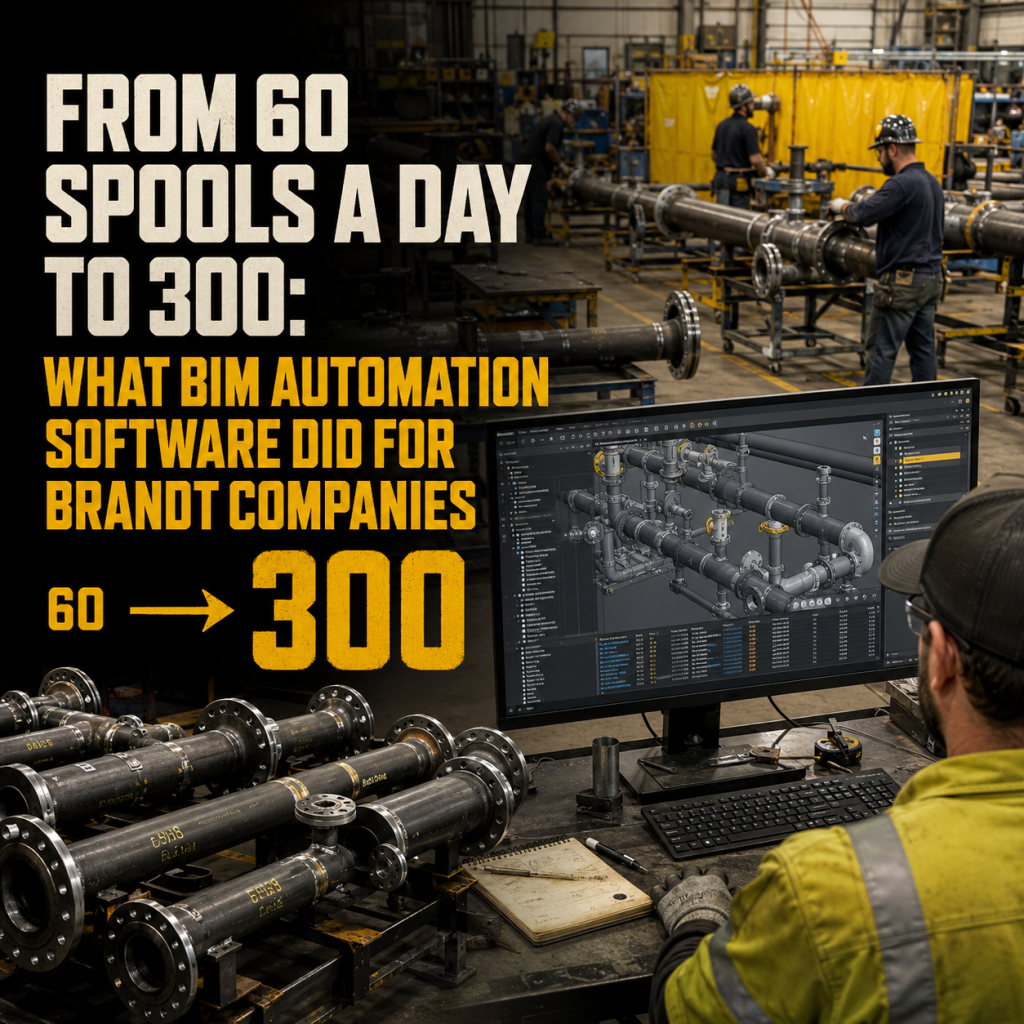
Brandt Companies increased spool sheet output from roughly 60 sheets per day to over 300 by connecting BIM-to-FAB workflows in Revit with MSUITE, a 5x improvement in spooling productivity achieved with the same detailing team. The gain came from automating spool generation, tagging, and cutting-list creation directly inside Revit, then feeding that data straight into the fabrication shop without manual re-entry.
Automated spool generation is defined as the use of rules-based software inside a BIM platform (typically Revit) to convert a coordinated model into fabrication-ready spool sheets, cut lists, and shop tickets automatically, rather than manually drafting each sheet one at a time.
For MEP and industrial contractors under pressure to hit tighter prefab schedules with the same headcount, Brandt’s results are a useful benchmark for what’s actually achievable — not a theoretical productivity claim, but a documented before-and-after from a contractor running full production volume, not a pilot.
What makes the case worth studying isn’t just the size of the gain. It’s that Brandt got there without adding headcount, without ripping out Revit, and without a multi-year technology overhaul. The change was in how spool data moved from the model to the shop floor — and that’s a workflow problem most fabrication teams still have.
How Did Brandt Companies Achieve a 5x Increase in Spool Sheet Production?
Brandt’s detailing team was producing spool sheets the way most shops still do: manually, sheet by sheet, inside Revit. Every dimension, tag, and cut list had to be drawn and checked by hand, and each handoff to the fabrication shop introduced a chance for data to get lost or misread. That process capped output at around 60 spool sheets per day, regardless of how experienced the detailers were.
The shift came from connecting BIM-to-FAB-to-Field orchestration across three points in the workflow:
- Rules-based automation in Revit. Using MSUITE BIM, spool break logic, naming conventions, dimensioning, and tag placement were configured once and applied consistently across every system, eliminating repetitive manual drafting.
- Direct integration with the fabrication shop. Spool data, cutting lists, and progress updates flowed to MSUITE FAB in real time, removing the manual re-entry step between design and production.
- Connected model data to cutting machines. Instead of a detailer’s output being re-keyed by a shop technician, the model data drove the cut directly, closing a gap that had been a routine source of error.
With that structure in place, Brandt’s output climbed from roughly 60 spool sheets per day to over 300 — a fivefold increase in throughput using the same team size. The company also documented a 30 to 35 percent reduction in material waste, a byproduct of dimensions and cut lists that no longer depended on manual transcription.
What Productivity Gains Are Possible With Automated Spool Generation in Revit?
Brandt’s numbers aren’t an outlier in the broader market. Independent research on mechanical contractors backs up the direction of the trend, even if few case studies quantify it as precisely as Brandt’s does.
Dodge Construction Network’s 2026 SmartMarket Brief on digital fabrication, produced with support from DEWALT Construction Technology, surveyed 197 mechanical contractors and found that over 90% of respondents use BIM for fabrication, with almost all of them using it to produce shop drawings and extract quantities. The same research found that respondents directly comparing digital fabrication to site-based construction rated it better or much better across nearly every field activity measured, including schedule performance, material waste, and labor costs. Notably, larger contractors were more likely to report the highest level of improvement, with an average of 49% of large firms citing “much better” results compared to 14% of small firms — a pattern that tracks with what deeper BIM-to-FAB integration typically requires: consistent standards and dedicated detailing resources.
For contractors still relying on manual spool drafting, the gap between what’s possible and what they’re currently getting is often exactly the gap Brandt closed: not better detailers, but a workflow that removes redundant manual steps between the model and the shop floor. That framing tracks with broader industry research, too — the McKinsey Global Institute has estimated that construction productivity could grow 50 to 60 percent through digitization and process integration, roughly the same range of gain Brandt realized in spooling alone.
Why Manual Spool Drafting Caps Throughput
Manual spool creation isn’t slow because detailers are inefficient. It’s slow because every sheet requires the same repetitive sequence, break the spool, place dimensions, apply tags, check against standards, export, and hand off, with no way to shortcut steps without risking errors downstream. Each of those handoffs is also a place where information can drift: a dimension keyed incorrectly, a tag applied inconsistently, a cutting list that doesn’t match the latest model revision.
Automating that sequence doesn’t remove the detailer from the process. It removes the repetitive, error-prone parts of it, freeing detailers to spend their time on model quality, coordination, and exception handling — the work that actually requires judgment.
Rolling Out Spool Automation: What Brandt’s Results Suggest
Contractors evaluating this shift can take a few practical steps from Brandt’s experience and similar rollouts:
- Define spool standards before automating. Naming conventions, break rules, and dimension templates need to be set once, correctly, so automation applies them consistently.
- Pilot on one system first. Running a single system — chilled water, hydronic, or process piping — makes it possible to compare output and error rates directly against the existing manual process.
- Connect the shop before scaling company-wide. The largest gains come from linking spool data directly to fabrication, not from automating detailing in isolation.
- Track sheets-per-day and rework rate. These two metrics make the before-and-after comparison concrete, the same way Brandt’s 60-to-300 figure does.
Local Revit or Cloud: Choosing How Your Team Spools
Not every shop runs the same detailing setup, and Brandt’s approach isn’t the only way to deploy spool automation. MSUITE supports two flexible spooling methods — spooling locally inside Revit for teams who want automation without changing their existing detailing environment, or spooling in the cloud for teams that need multiple detailers and shop staff working from the same live data set. Both paths route into the same fabrication pipeline, so the choice comes down to team size and how distributed the detailing work is, not a tradeoff in the productivity gain itself.
That connection also solves a problem most shops don’t notice until it costs them a day of production: not knowing where a given spool actually is in the process. When spool data is generated automatically and tracked from release to shipment, shop managers stop chasing that answer down manually and start seeing it on a dashboard.
The Bigger Picture: Why This Matters Now
Fabrication capability has become a competitive requirement, not a differentiator. Dodge’s research found that 82% of respondents report that owners and general contractors now require fabrication capability when selecting a mechanical contractor. At the same time, fabrication management software usage remains uneven, with about three-quarters of large mechanical contractors currently using it compared to roughly half of smaller companies. That gap is exactly where results like Brandt’s create separation: contractors who close the manual-to-automated gap in spooling aren’t just detailing faster, they’re meeting a capability threshold that’s increasingly a condition of winning the work at all.
Frequently Asked Questions
How much can spool sheet production increase with BIM automation?
Brandt Companies documented a fivefold increase, from about 60 spool sheets per day to over 300, after implementing rules-based spooling automation in Revit connected directly to their fabrication shop. Results vary by contractor, but the underlying mechanism — removing manual, repetitive steps between model and shop, applies broadly across mechanical and industrial fabrication.
Does automated spooling reduce material waste as well as speed up production?
Yes. Brandt reported a 30 to 35 percent reduction in material waste alongside the productivity gain, largely because dimensions and cut lists were driven directly by model data rather than manually transcribed, which reduced the errors that typically cause over-ordering and scrap.
What’s required to connect BIM spooling to a fabrication shop?
At minimum, contractors need standardized spool break rules and naming conventions in Revit, plus a direct data connection, rather than manual file handoffs, between the BIM model and the fabrication management system so that spool data, cutting lists, and progress updates flow automatically.
Is fabrication capability now a requirement for winning mechanical contracts?
Increasingly, yes. Dodge Construction Network’s 2026 research found that 82% of owners and general contractors require fabrication capability when selecting a mechanical contractor, making a connected BIM-to-FAB-to-Field workflow less of an efficiency upgrade and more of a baseline expectation.
See how a connected BIM-to-FAB-to-Field workflow could change your shop’s throughput.
Book a demo with MSUITE to walk through what automated spooling looks like for your systems.
Related Resources