

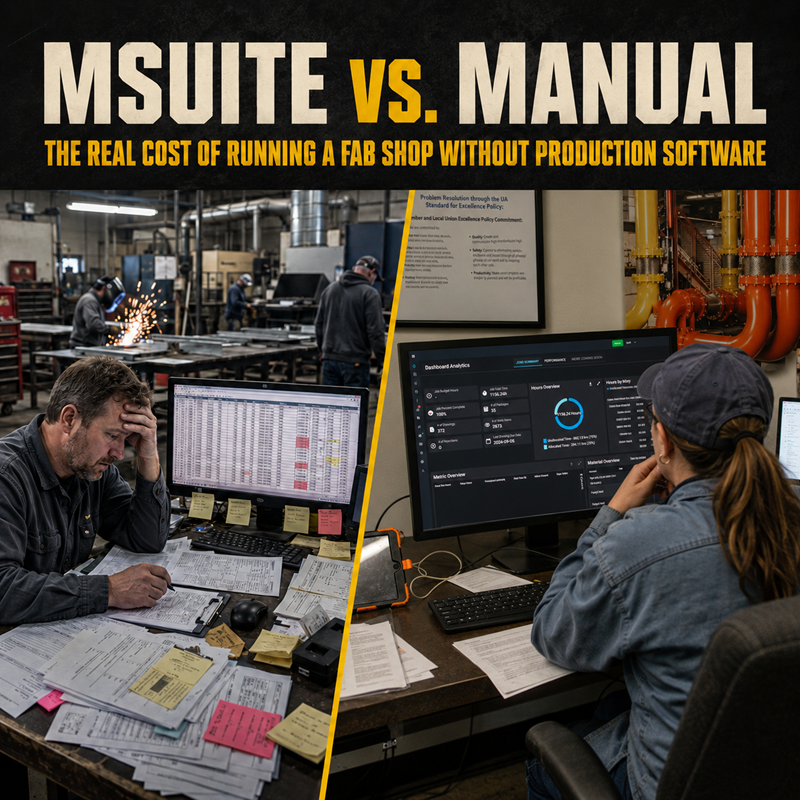
Running a fabrication shop without dedicated production software costs contractors in three measurable ways: lost throughput from poor information flow, rework and material waste from disconnected BIM-to-fab handoffs, and administrative hours spent chasing status updates instead of managing production. Dedicated fab shop software like MSUITE FAB replaces paper travelers and spreadsheets with a single real-time system, and contractors who make the switch report measurable gains in throughput, spool generation speed, and QA/QC efficiency.
Every fab shop is running some system. The question is whether that system is a connected software platform or a patchwork of spreadsheets, paper spool drawings, whiteboards, and phone calls. Both get product out the door. Only one of them scales.
What Is Fab Shop Management Software?
Fab shop management software is a dedicated platform that tracks fabrication production — spool status, labor hours, material usage, and QA/QC — in real time, and connects that data to BIM models upstream and field installation downstream. Unlike spreadsheets, it updates automatically from actual shop floor activity (typically at stations) rather than manual entry, giving managers a live, accurate picture of production instead of a stale snapshot.
The Hidden Cost of Manual Fab Shop Management
Manual methods don’t show up on a P&L as a line item, but the cost is real. Research from FMI identifies more than $20 billion in annual productivity loss across construction tied directly to poor planning, coordination, and information flow, and fabrication shops, where handoffs between VDC, the shop floor, and the field happen constantly, tend to absorb an outsized share of that loss.
The pattern is familiar to anyone who has managed a shop without dedicated software:
- Status lives in someone’s head, not a system. When production status is tracked on whiteboards or in spreadsheets that only update once a day, managers are always working from outdated information. By the time a problem surfaces in a status meeting, it has already affected the schedule.
- Handoffs from BIM to the shop floor are manual. Design changes, spool updates, and material revisions that don’t transfer cleanly create rework and stall production.
- Reporting eats hours that should go to production. Compiling status updates for project managers or ownership from scattered spreadsheets is a recurring administrative tax that dedicated software eliminates with live dashboards.
- Material planning runs on estimates instead of actual demand, driving the over-ordering and shortages that create constant, avoidable interruptions.
Industry research backs this up. In Dodge Construction Network’s SmartMarket Brief on digital fabrication, mechanical contractors compared BIM-driven fabrication directly against traditional site-based work and reported measurable improvement across schedule performance, labor costs, material waste, and site logistics costs, with large contractors (49% average) reporting the strongest gains, well ahead of small contractors still relying on manual methods (14% average).
MSUITE vs. Manual Methods: Side-by-Side
|
Manual / Spreadsheet Methods |
MSUITE FAB |
|
| Production visibility |
|
|
| BIM-to-fab handoff |
|
|
| QA/QC documentation |
|
|
| Material tracking |
|
|
| Reporting |
|
|
| Scalability across multiple shops/projects |
|
|
| Integration with ERP/accounting/BIM |
|
|
What the ROI Actually Looks Like
These aren’t hypothetical gains. Contractors using MSUITE to connect BIM, fabrication, and field workflows report 25–30% gains in shop productivity and 40% faster spool generation compared to disconnected, manual processes.
The throughput impact can be dramatic at scale. Brandt Companies increased spool sheet output from 60 per day to over 300 per day after connecting BIM-to-FAB workflows with MSUITE — a 5x improvement in throughput with the same team, with no added headcount.
At AZCO, a Burns & McDonnell company, the shift away from paper spool drawings and side spreadsheets delivered its biggest return in QA/QC. As Pipe Fabrication Department Manager Matthew Benner put it: “QA/QC is where I’ve seen the biggest return. Everything is in one place now instead of tracking Excel spreadsheets on the side.” Before MSUITE, AZCO leadership had no real-time way to know where spools stood in the process; project managers spent time chasing updates instead of managing production. After implementation, that visibility became immediate, available on a dashboard instead of a phone call.
Why the Gap Widens Over Time
The cost of manual methods isn’t fixed — it compounds. As fabrication volume grows and more projects run in parallel, the administrative overhead of manual tracking grows with it, while a connected platform scales without adding headcount. That’s consistent with what Dodge’s research found: 86% of contractors already using integrated BIM and fabrication management technology have also connected it to their ERP or project management systems, building a compounding data advantage that spreadsheet-based shops can’t replicate.
Frequently Asked Questions
What is the cost of running a fabrication shop without dedicated production software?
The cost shows up as lost throughput, rework from poor BIM-to-fab handoffs, hours spent on manual reporting, and material waste from planning based on estimates instead of real demand. Industry-wide, FMI ties more than $20 billion in annual construction productivity loss to exactly these kinds of coordination and information-flow gaps. In a fab shop, these costs compound as production volume and project count increase.
How does MSUITE compare to manual fab shop management methods?
MSUITE replaces spreadsheets, paper travelers, and whiteboards with a single real-time platform that connects BIM, fabrication, and field data. Instead of status updates that are hours or days old, managers see live spool status, labor hours, and QA/QC documentation as production happens. Contractors making the switch report double-digit productivity gains and, in some cases, multiples of improvement in throughput.
Is fab shop software worth it for a smaller shop?
Smaller shops often see the manual-cost gap first, since they typically have fewer administrative resources to absorb the overhead of manual tracking. Dodge’s research shows large contractors currently see stronger gains from digital fabrication than small contractors — largely because small shops are less likely to have adopted dedicated software yet, not because the underlying benefits don’t apply.
See the Difference in Your Own Shop
The real cost of manual fab shop management isn’t always visible on a spreadsheet — it shows up in delayed schedules, QA/QC rework, and hours spent chasing information that should already be visible. Request a demo of MSUITE FAB to see how a connected platform compares to the way your shop runs today.
Sources:
- FMI — Construction Labor Productivity: The $20 Billion Opportunity
- Dodge Construction Network & DEWALT — Optimizing Digital Fabrication for Mechanical Contractors SmartMarket Brief
- MSUITE — Shop vs. Field Productivity (AZCO case study)
- MSUITE — Bassett Mechanical case study
- MSUITE — Brandt Companies throughput data
- MSUITE FAB — Request a Demo